Helping Australians Choose Wisely.

Practical help before replacing it

Troubleshooting

Clear checks for common product problems, helping you identify what can be fixed and when professional help makes more sense.

Independent research Australian focused Clear reasons

Latest advice

Clear information worth your time.

Browse our latest articles and choose the topic that best matches the decision or problem in front of you.

Television showing natural colours beside an incorrectly tinted picture Troubleshooting
12 August 2026 14 min read

TV Colours Look Wrong: What to Check Before Booking a Repair

Do your television’s colours look unnatural, washed out, heavily tinted or completely wrong? Check the picture mode, colour settings, accessibility feat...
Read the article
TV HDMI Not Working: What to Check Before Buying New Cables or Equipment Troubleshooting
9 August 2026 8 min read

TV HDMI Not Working: What to Check Before Buying New Cables or Equipment

If an HDMI device suddenly stops working with your TV, don’t start replacing cables or equipment straight away. Work through these practical checks for ...
Read the article
Television displaying a blurry pixelated picture in a modern Australian living room Troubleshooting
9 August 2026 6 min read

TV Picture Is Blurry or Pixelated: What to Check Before Replacing It

If your TV picture looks blurry, blocky or pixelated, check the source, signal, streaming connection, cables and picture settings before replacing it.
Read the article
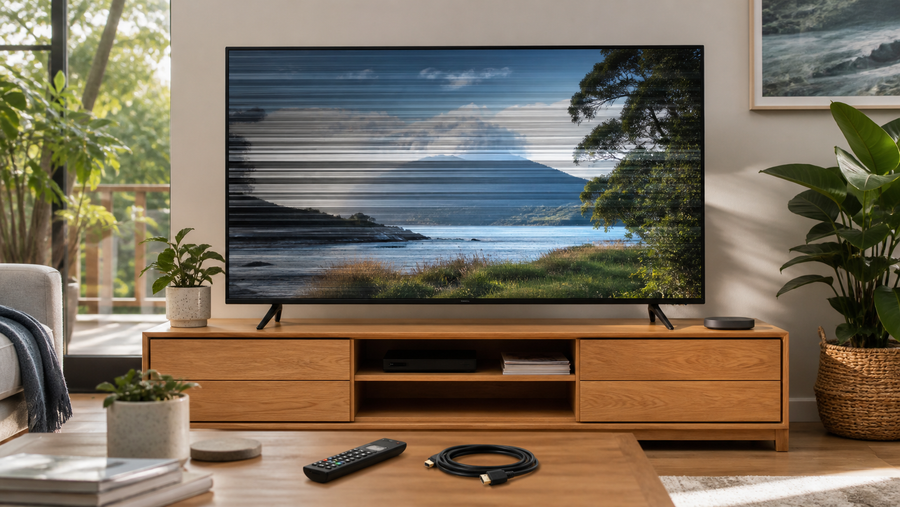
Television showing screen flickering in a modern Australian living room Troubleshooting
9 August 2026 5 min read

TV Screen Flickering: What to Check Before Calling a Technician

If your TV screen is flickering, work through these safe checks for inputs, HDMI cables, connected devices, picture settings and software before booking...
Read the article
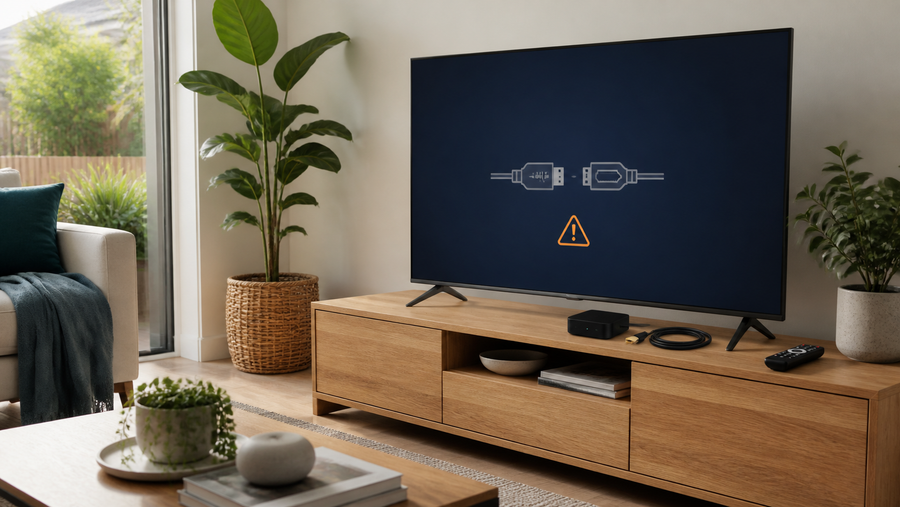
Television displaying a no-signal HDMI warning beside a streaming box and cable in a modern living room. Troubleshooting
9 August 2026 7 min read

TV Says No Signal: What to Check Before Calling a Technician

Seeing “No Signal” does not usually mean the television has failed. Check the selected input, connected device, HDMI cable, antenna connection and power...
Read the article

Cannot find the answer?

Ask Adrian before making the decision.

Tell us what you are choosing between, what matters to you and what you have already checked.

Ask Adrian