Helping Australians Choose Wisely.

Practical help before you replace it

Find the problem before spending more.

Clear checks for common product problems, helping you work out what can be fixed and when professional help makes more sense.

Start with simple checks Avoid unnecessary replacement Know when to stop

A sensible place to begin

Check the simple things first.

A careful troubleshooting process helps avoid wasted time, unnecessary purchases and unsafe repairs.

01

Confirm the basics

Check power, connections, settings, consumables and any recent changes before assuming the product has failed.

02

Isolate the cause

Change one thing at a time so you can identify which device, cable, setting or condition is causing the problem.

03

Repair, replace or seek help

Consider safety, warranty coverage, repair cost, product age and the likely benefit before deciding what to do next.

Troubleshooting guides

Start with the symptoms.

Choose the guide that best matches what your product is doing, then work through the checks in order.

A traveller checks her smartphone in a tropical hotel lobby. Troubleshooting
15 November 2026 7 min read

Roamza eSIM Not Working? Installation and Connection Checks

Free checks for a Roamza travel eSIM with installation errors, no service, slow data or hotspot trouble. Keep the profile installed and follow...
Try these checks
A traveller checks his smartphone at an airport café. Troubleshooting
15 November 2026 7 min read

ZenSim eSIM Not Working? Installation and Connection Checks

Free checks for a ZenSim travel eSIM with installation errors, no service, slow data or hotspot trouble. Keep the profile installed and follow...
Try these checks
A tourist using a smartphone to photograph the city in Mumbai, India. Troubleshooting
26 October 2026 10 min read

Holafly eSIM Not Working? Safe Connection Checks

Follow safe, reversible checks for a Holafly eSIM with no service, no mobile data, a failed QR code or a slow connection. Keep the eSIM instal...
Try these checks
Philips Series 3300 EP3341/30 automatic coffee machine on a kitchen counter. Troubleshooting
22 October 2026 13 min read

Philips Coffee Machine Not Dispensing? Start With These Checks

If your Philips coffee machine is not dispensing water or coffee, follow safe checks for the tank, filter, spouts and brew group, and learn wh...
Try these checks
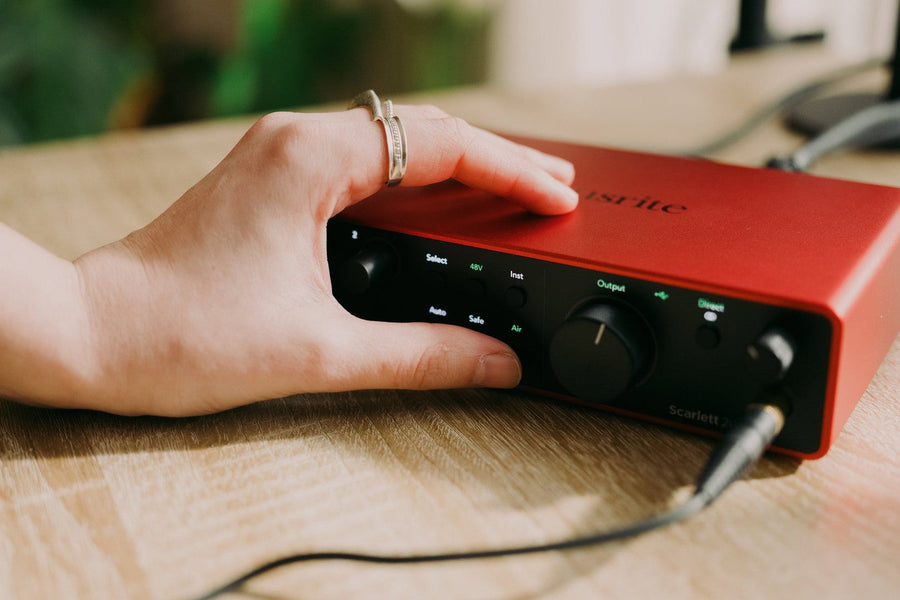
A person adjusting a Focusrite Scarlett 2i2 4th Generation audio interface on a timber desk, with a headphone cable connected. Troubleshooting
8 October 2026 18 min read

Hum or Buzz in Speakers and Headphones? Step-by-Step Troubleshooting

Find what causes hum, buzz or hiss in speakers and headphones with safe checks for cables, ground loops, computer noise and audio connections.
Try these checks
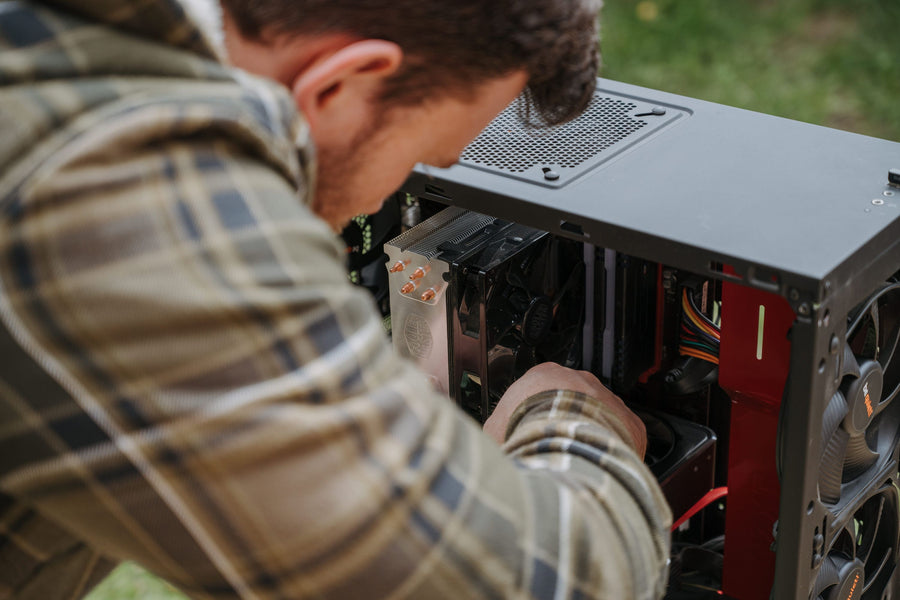
A person cleaning the inside of a desktop computer outdoors. Troubleshooting
6 September 2026 20 min read

PC Overheating: Causes and Safe Fixes

Find out whether your PC is genuinely overheating, check temperatures and airflow, clean safely, and recognise when a cooling fault needs prof...
Try these checks

Need a second opinion?

Ask before replacing something unnecessarily.

Tell us what is happening, what you have already checked and whether the product is still under warranty.

Ask Adrian